
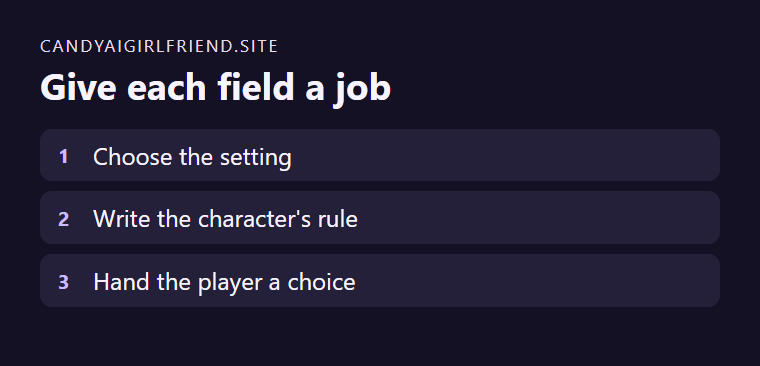
Candy.ai’s Character Studio guide places Character Context and Greeting Message after the visual choices. Decide what each field has to do before completing the design. Context establishes who the fictional character is and what they know. A greeting makes the very first turn possible.
Start with an event in progress
A fictional adult stage manager has two spare spotlights and a late lighting crew. In context, say she counts available equipment before making a promise. For the greeting, try “One light works and the other needs a cable. Do you want to check the stage or call the crew?” The reader gets immediate options and one character trait shows up in action.
Review the opening before completing creation
Make sure the greeting avoids assigning the player’s action. Keep the main constraints visible in the context so they can carry into later turns. Use the documented Create Character, Realistic and Character Studio route if it appears on your account. Follow the current creation requirements shown there.